Custom wraps for Tesla Paint Shop
Tesla Wrap Design Made by you.
Tesla Wrap Design is a free online editor for Tesla Paint Shop custom wraps. Pick your exact car — 12 variants, including the Model Y Juniper and Model 3 Highland — design on its official template with a live 3D preview, then export a PNG (512–1024 px, no larger than 1 MB) and load it from a USB Wraps folder or the Tesla app.
- 12 real vehicle models
- Official Paint Shop templates
- Free PNG export
Drag to turn the car
Heritage StripesEdit this wrapTesla wrap design ideas
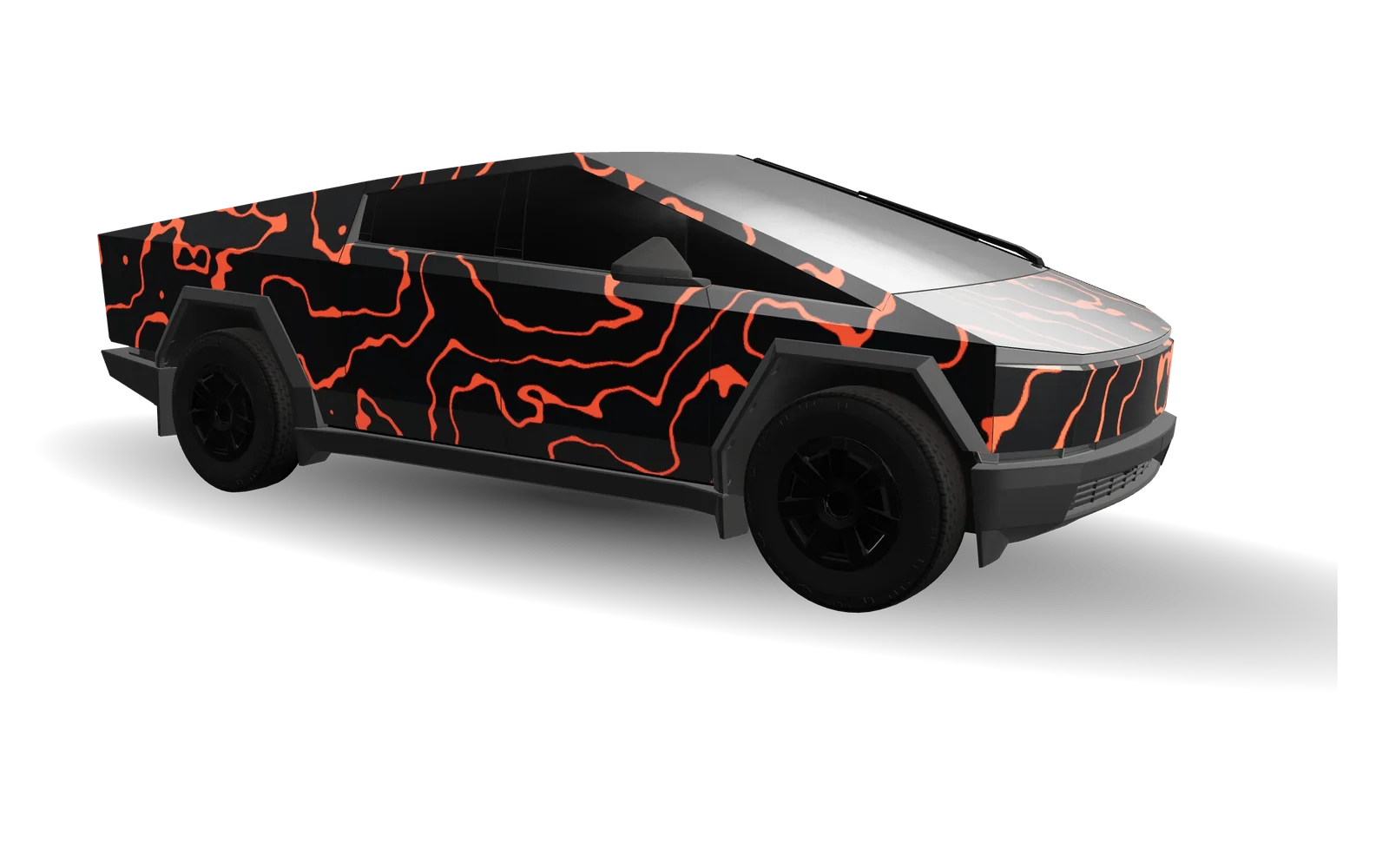
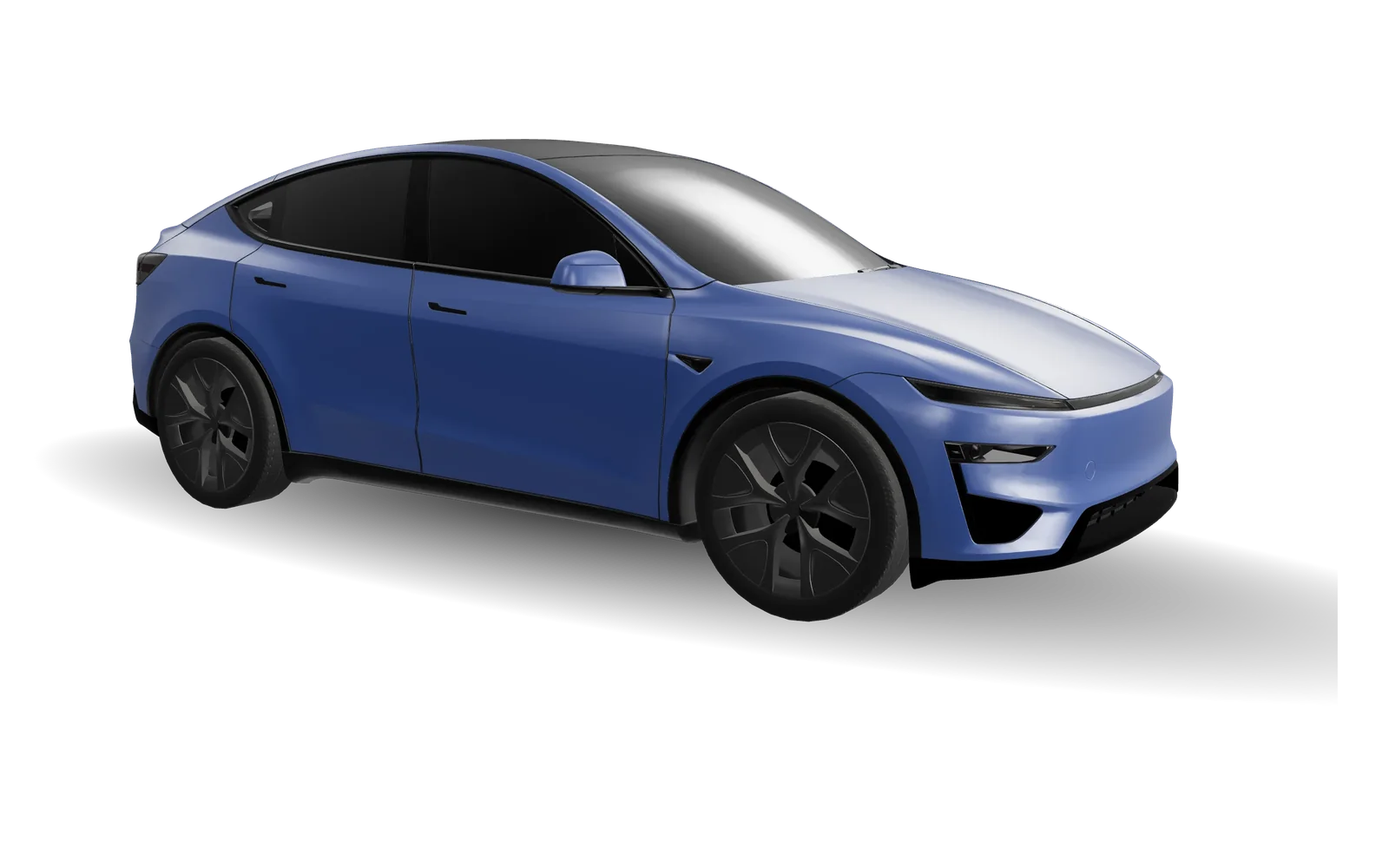
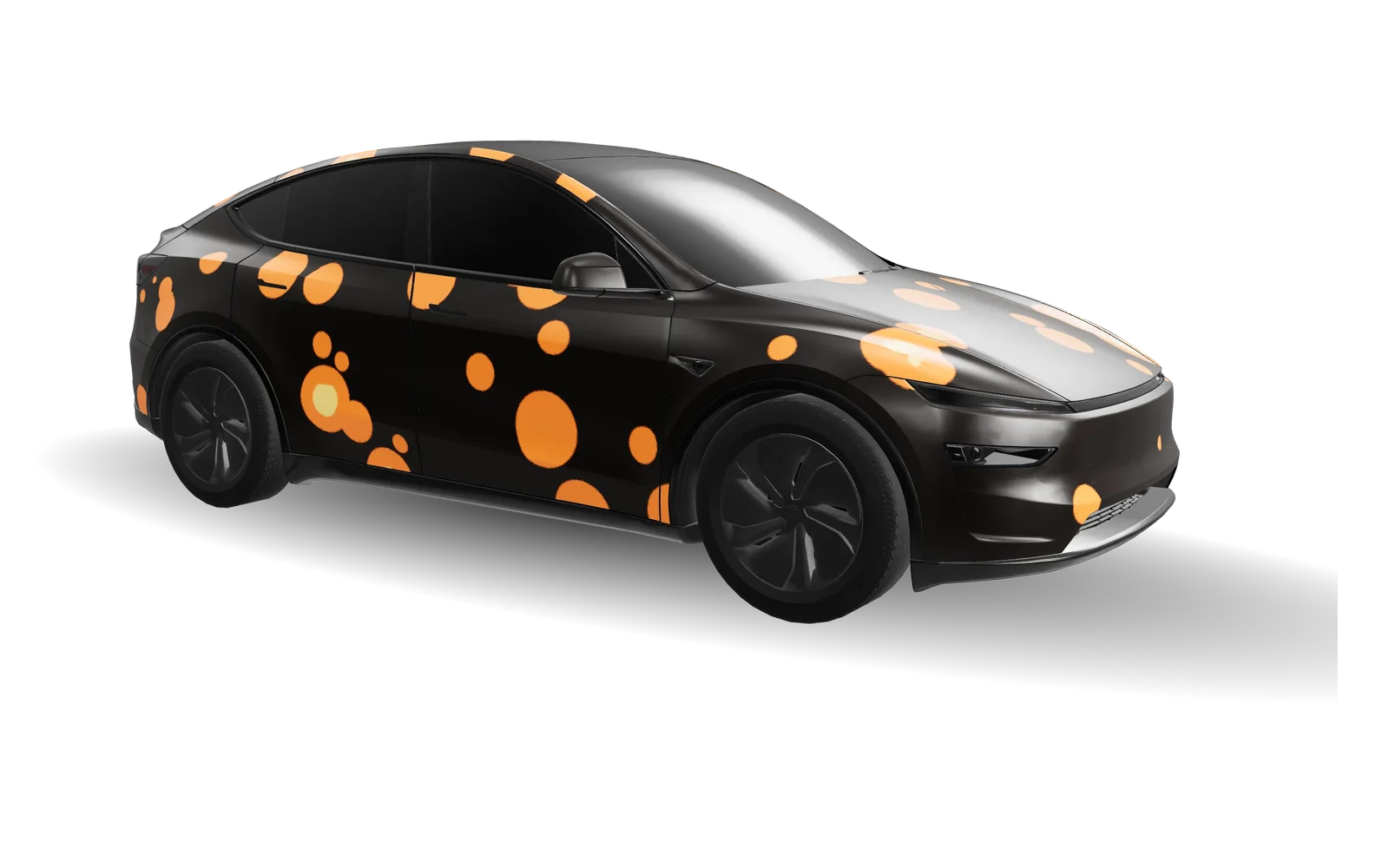
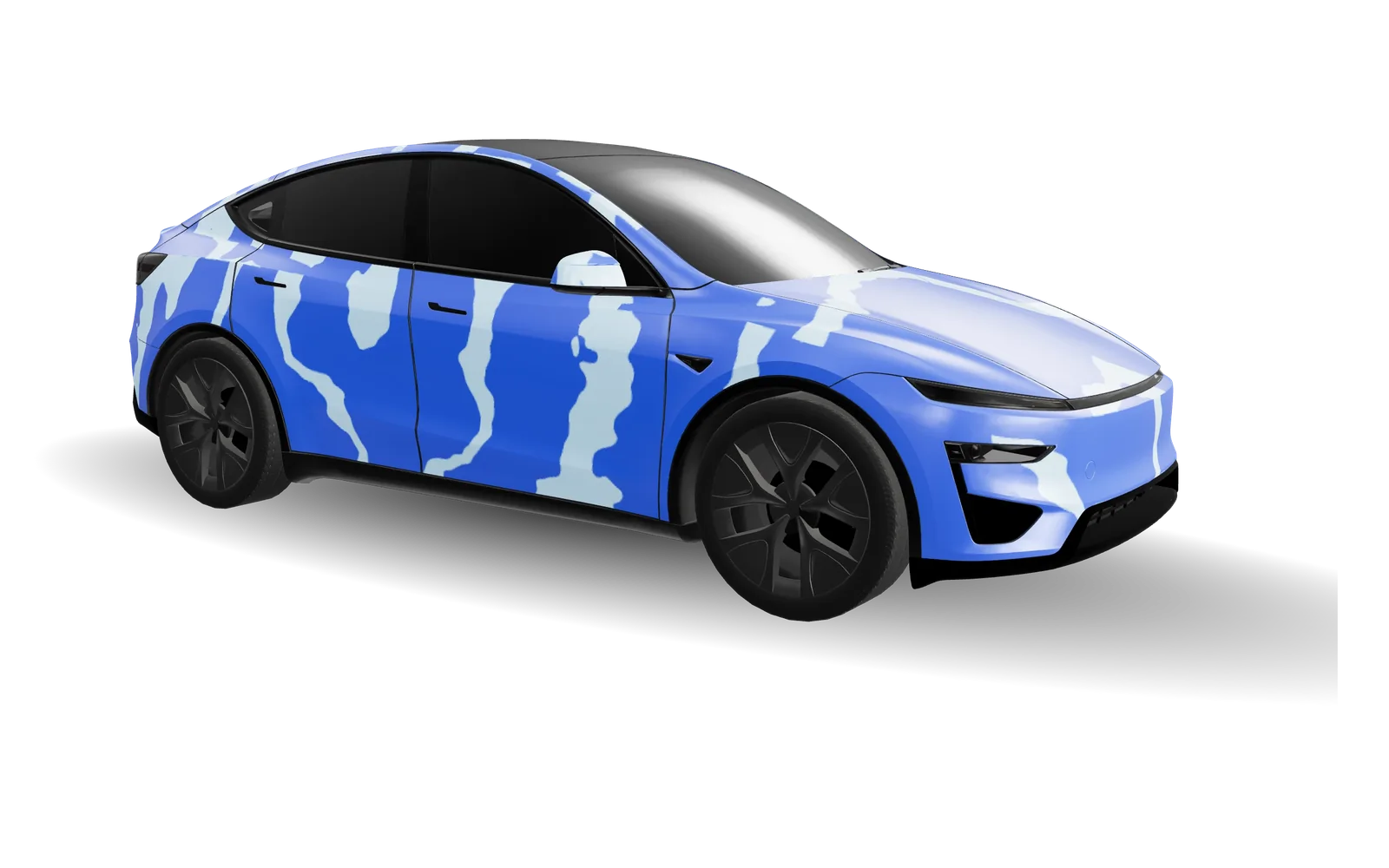
Every preview is rendered on the real vehicle model. Open one in the studio and change anything.
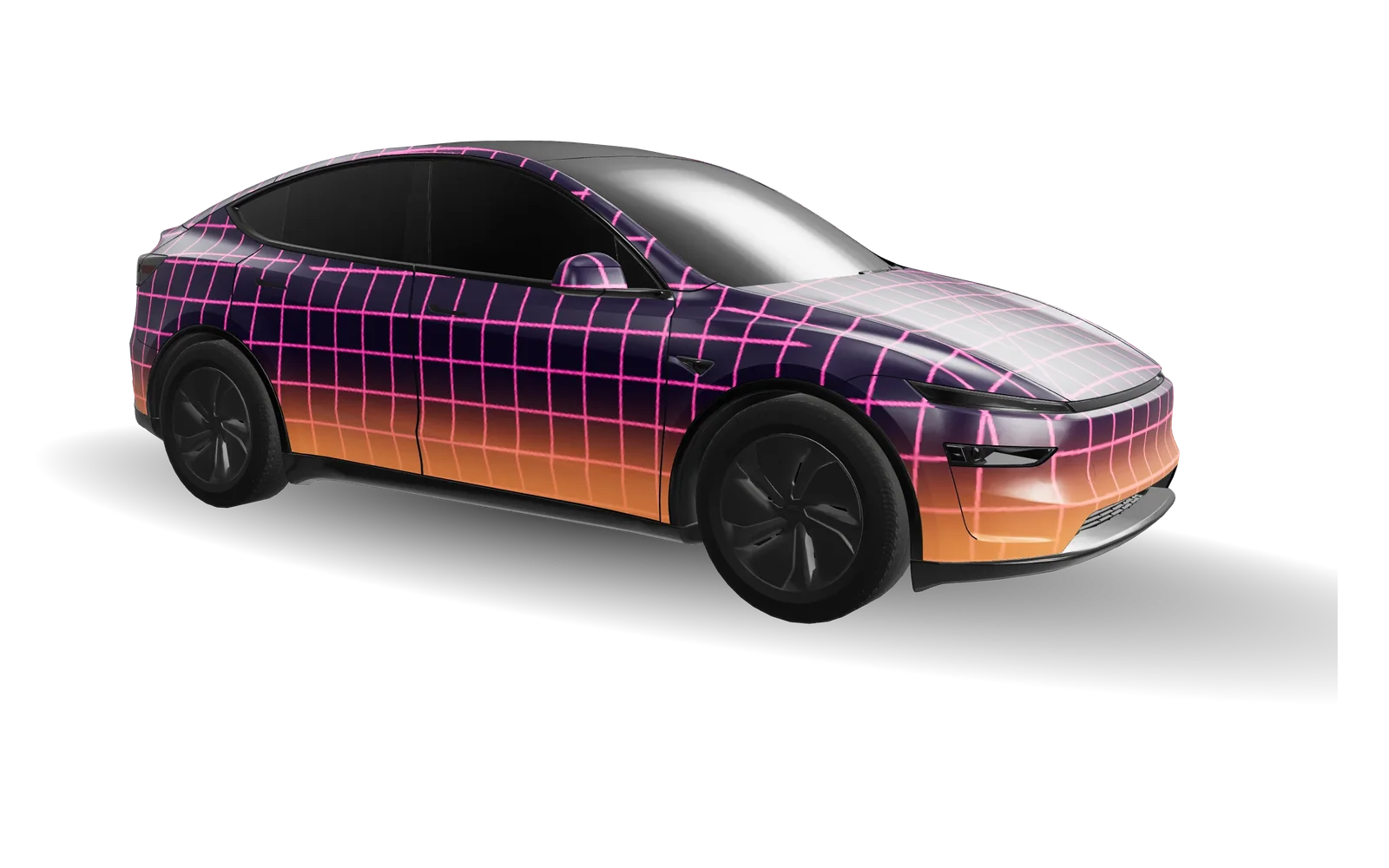
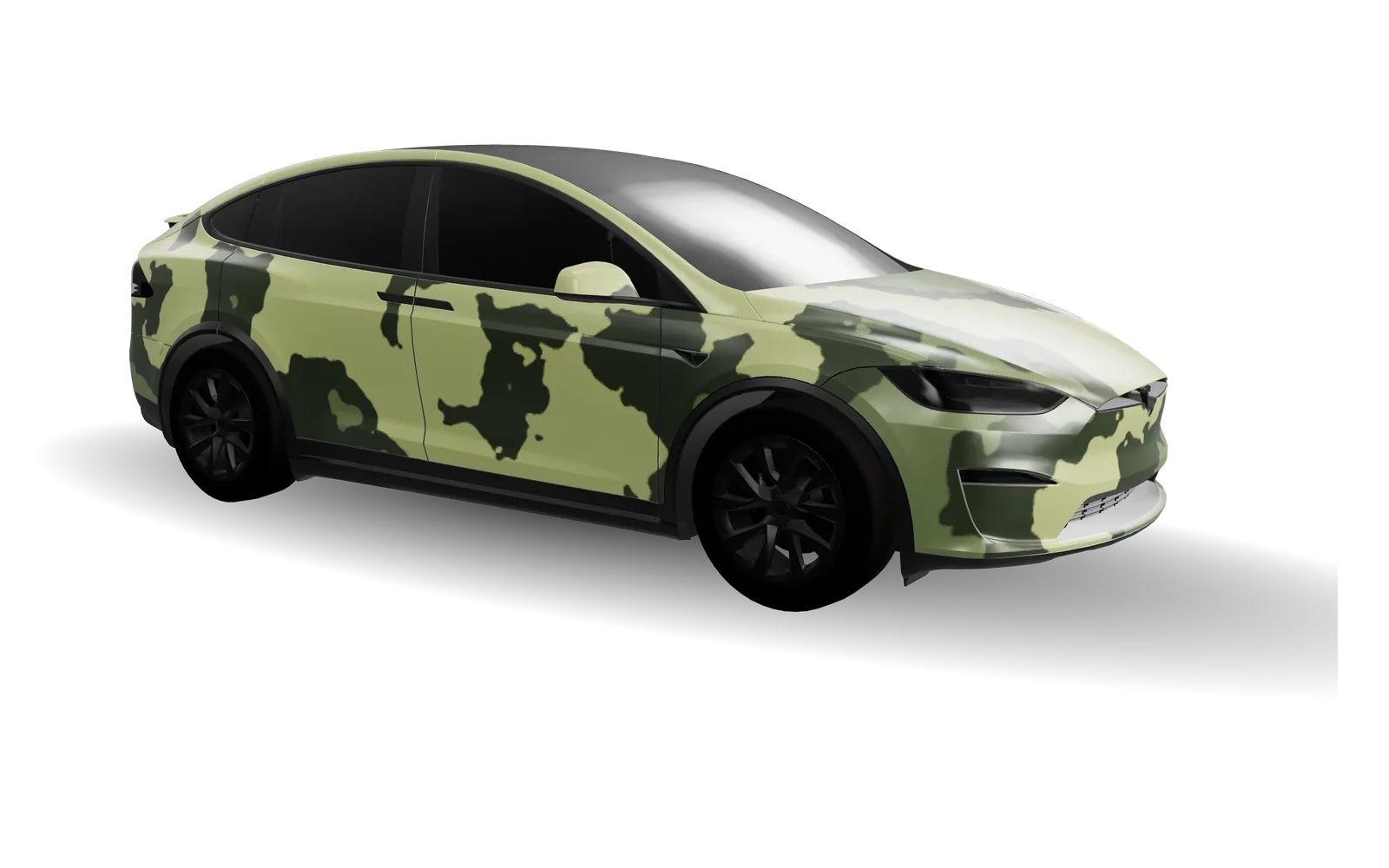
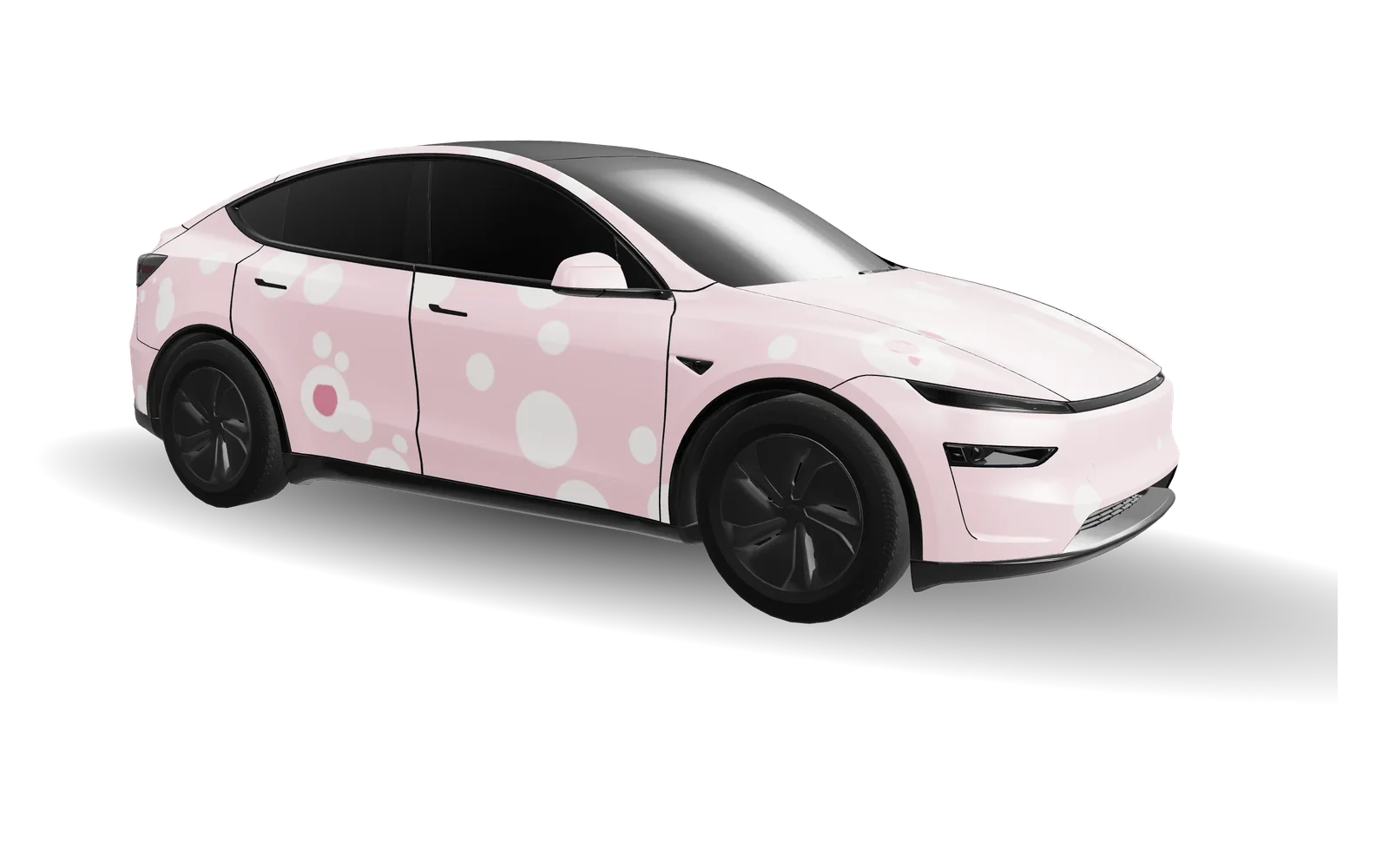
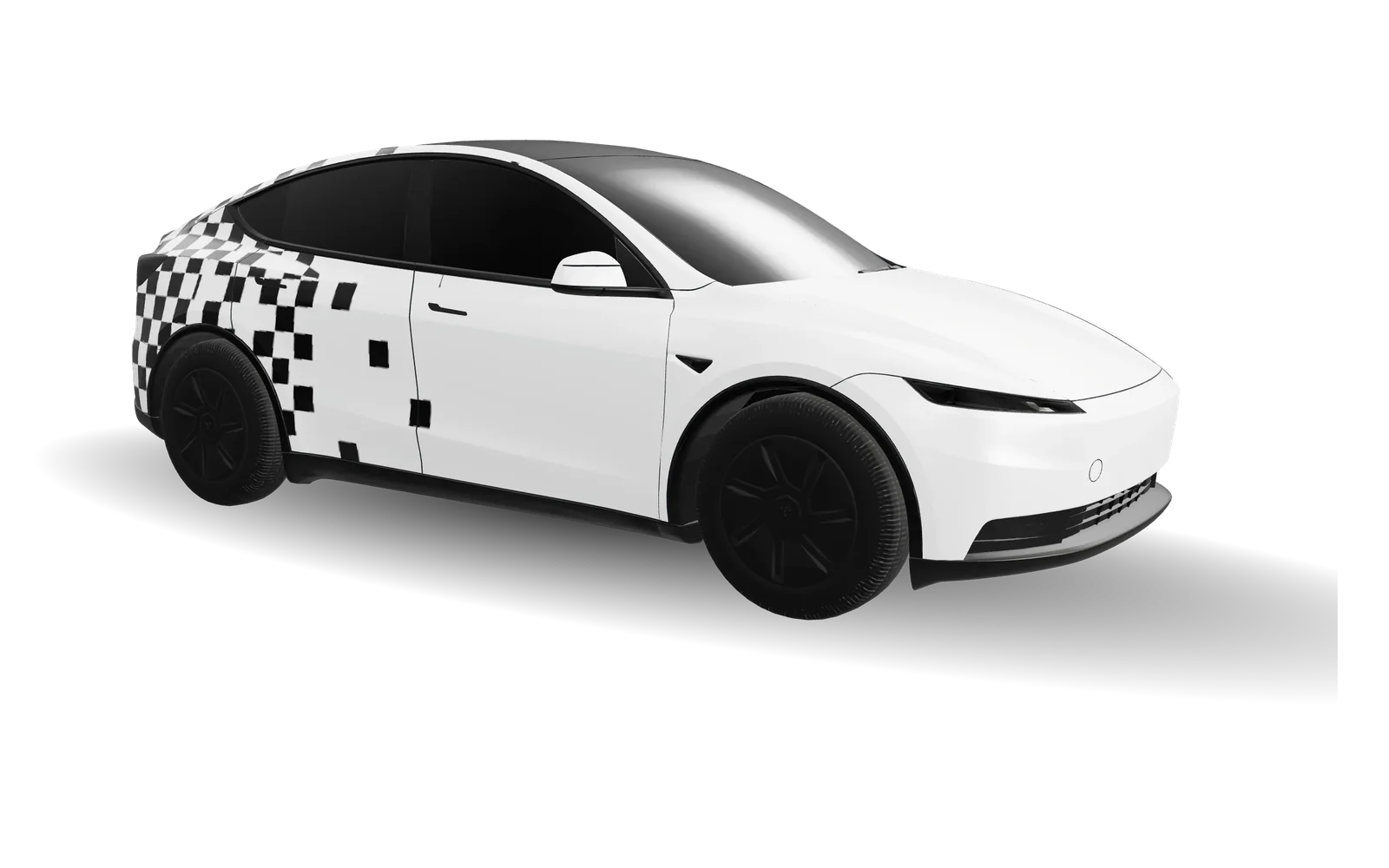
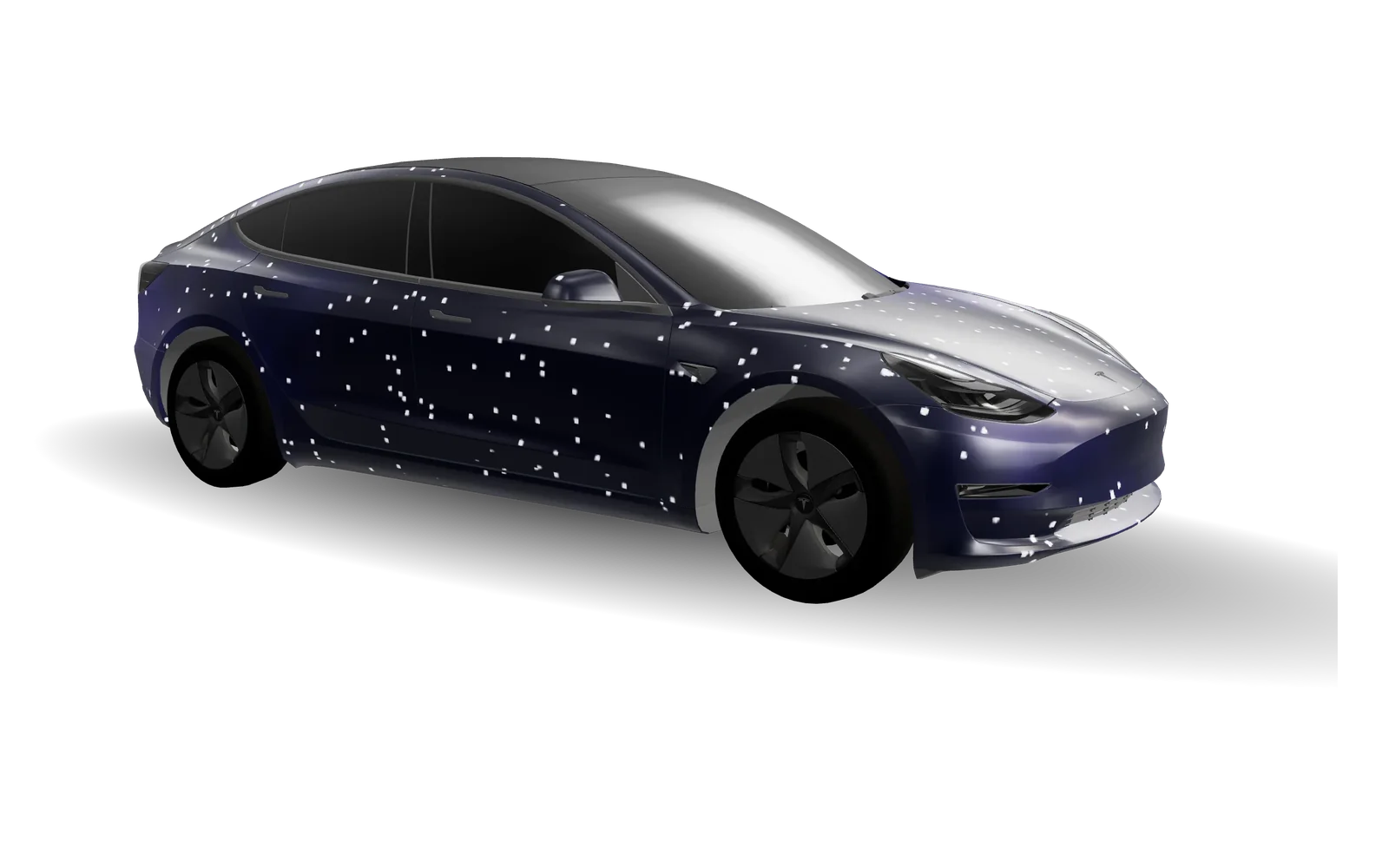
Pick your exact Tesla
Each model, year and trim has its own template layout. Starting with the right one is what makes the wrap line up on your car.
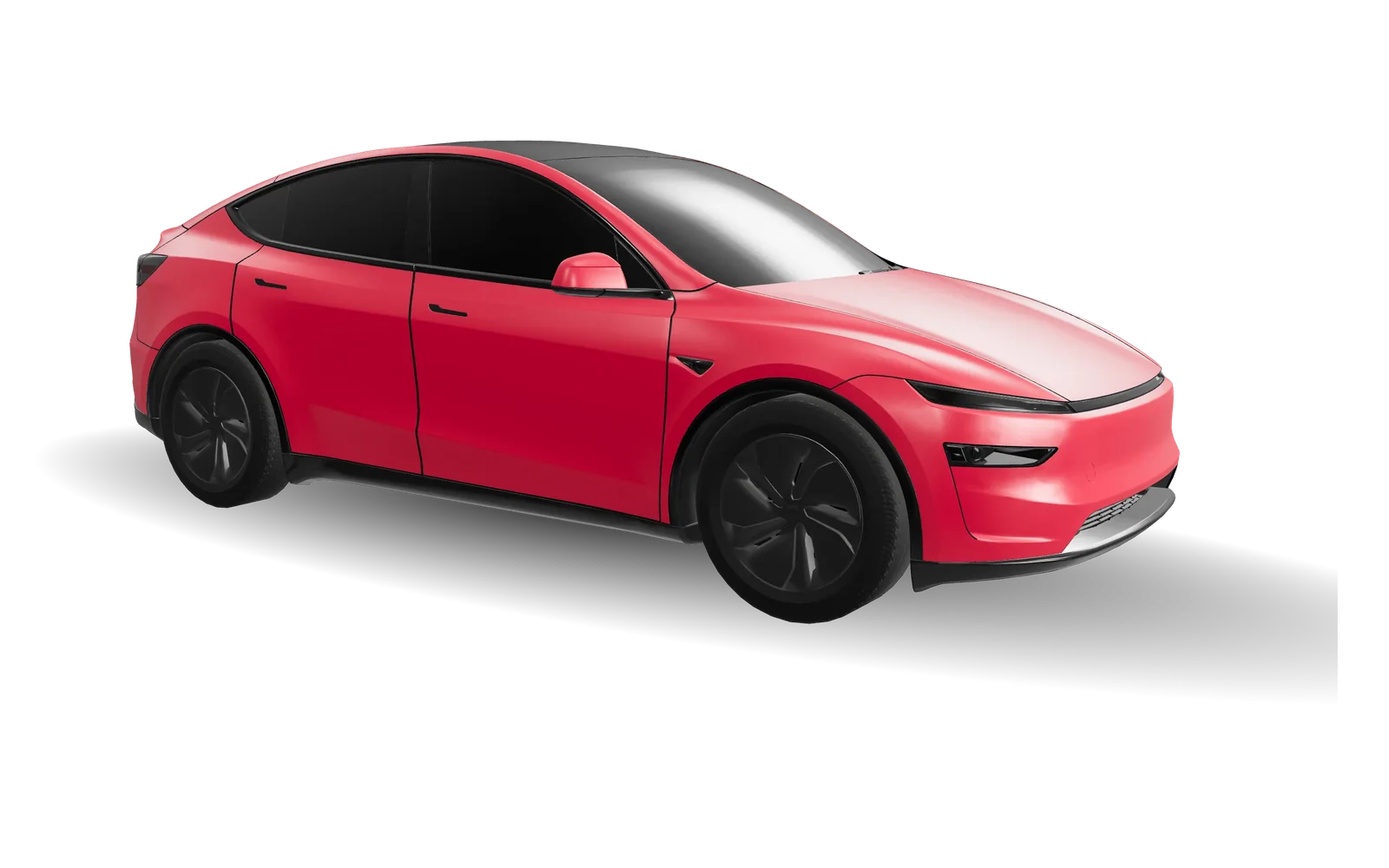
Model Y
2025+ · Premium
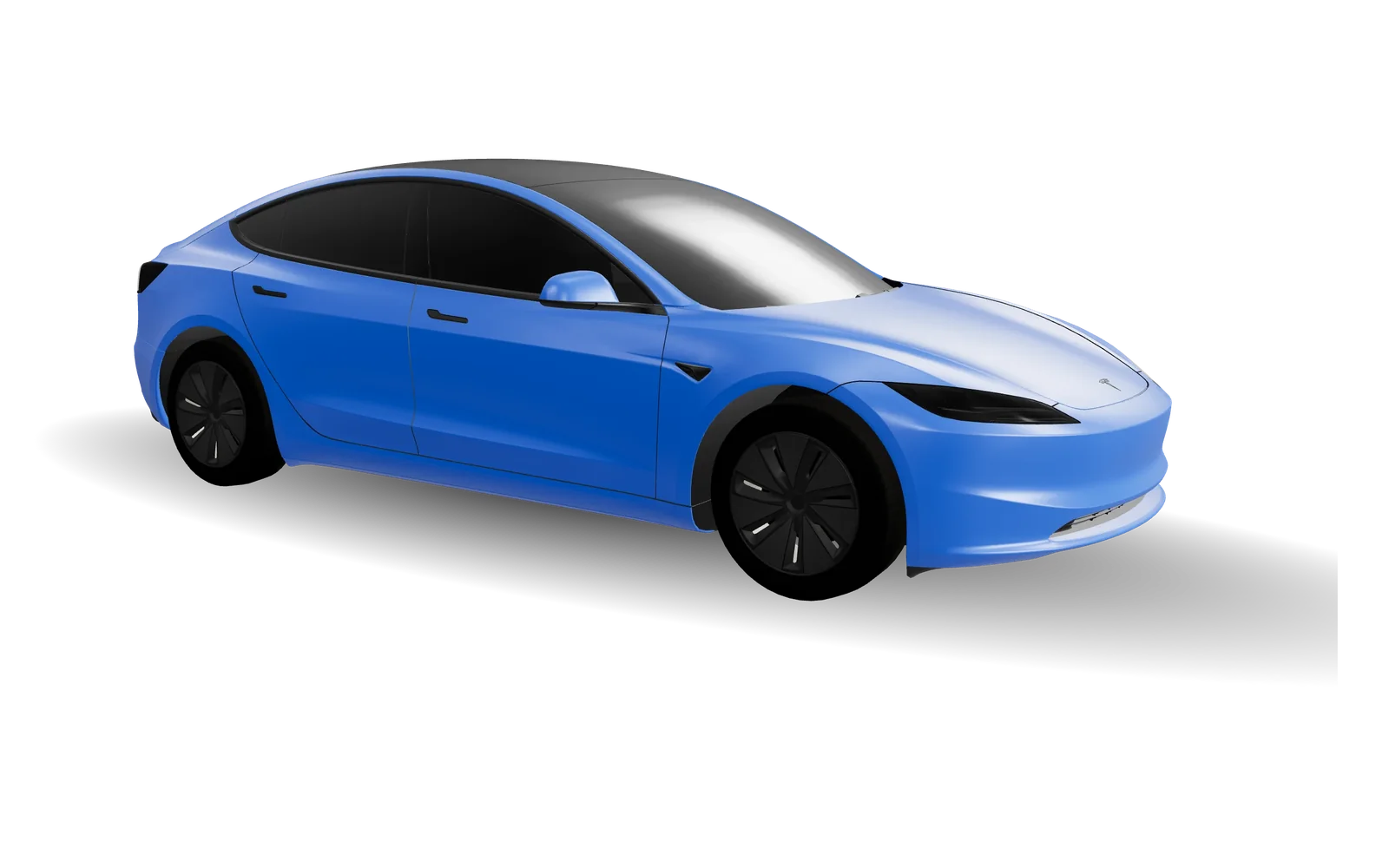
Model 3
2024+ · Standard & Premium
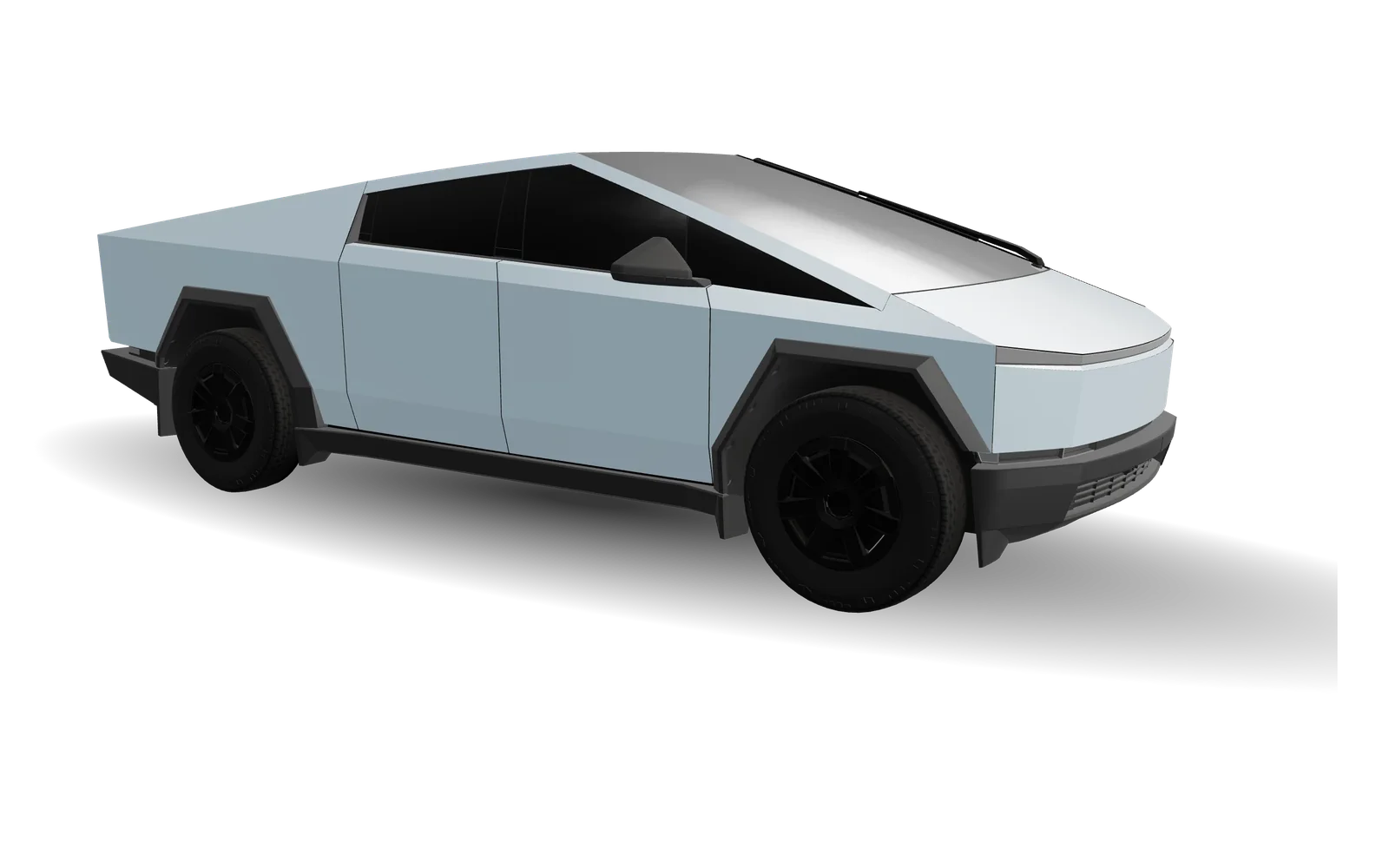
Cybertruck
Original
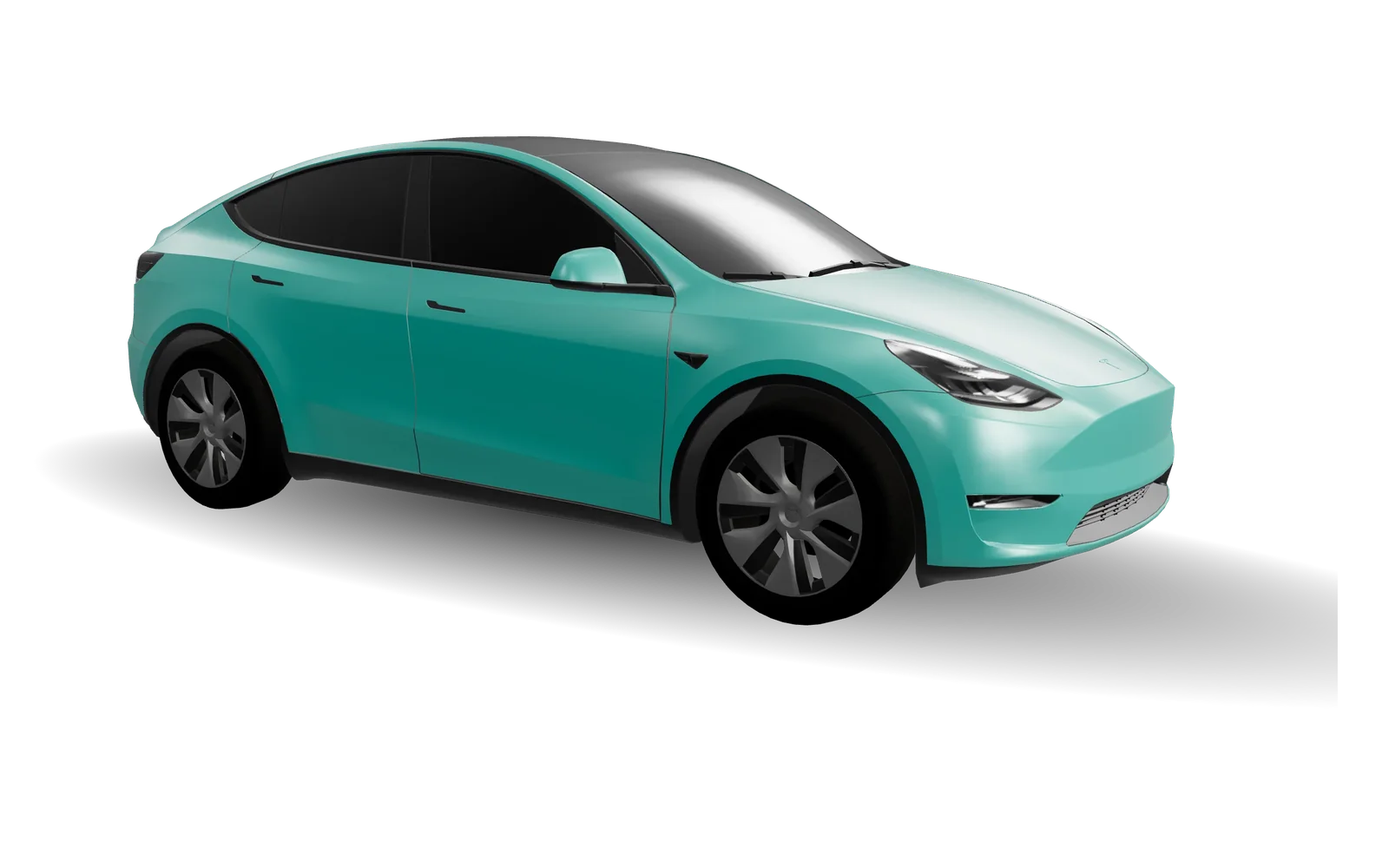
Model Y
2020–2024
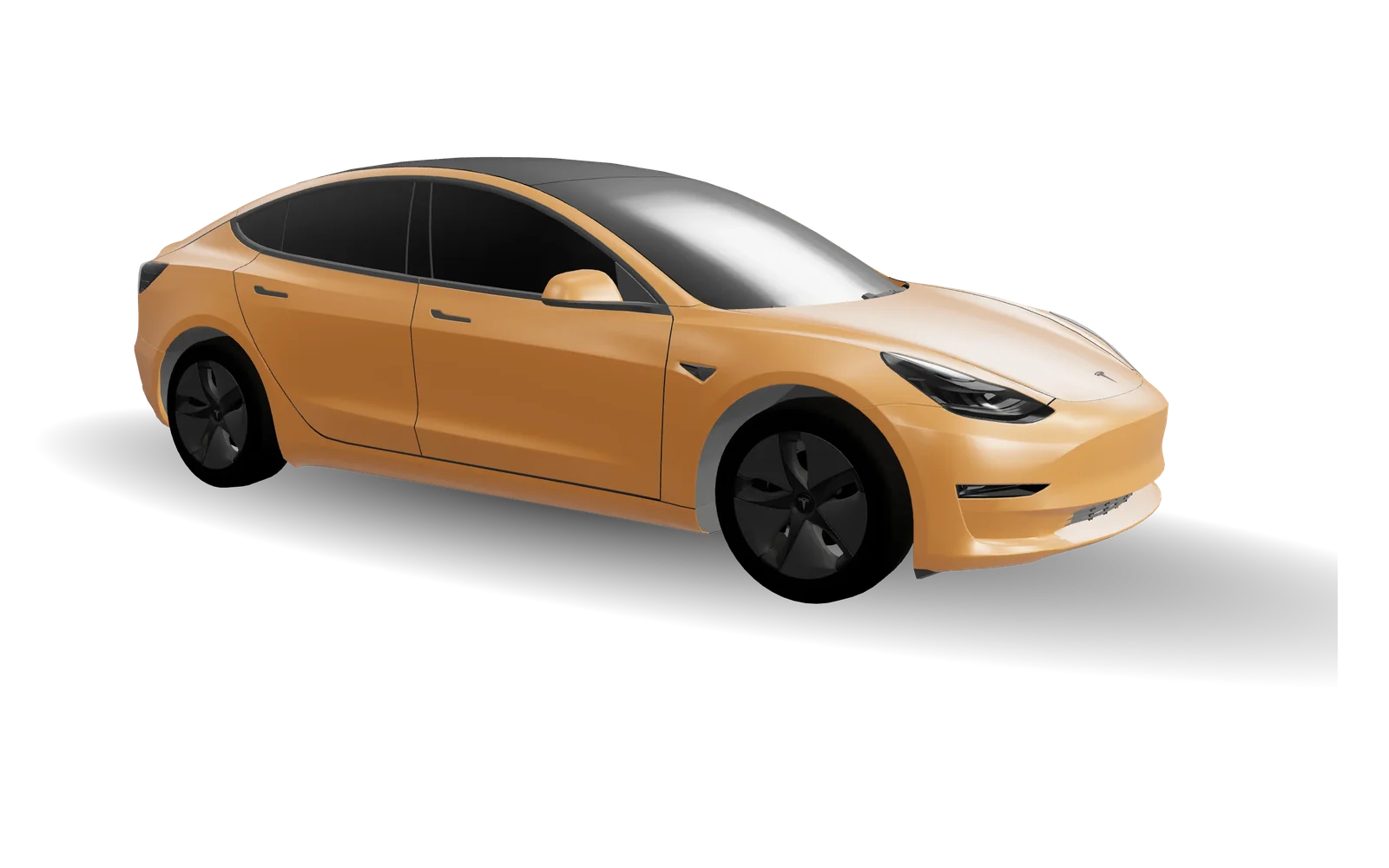
Model 3
2017–2023
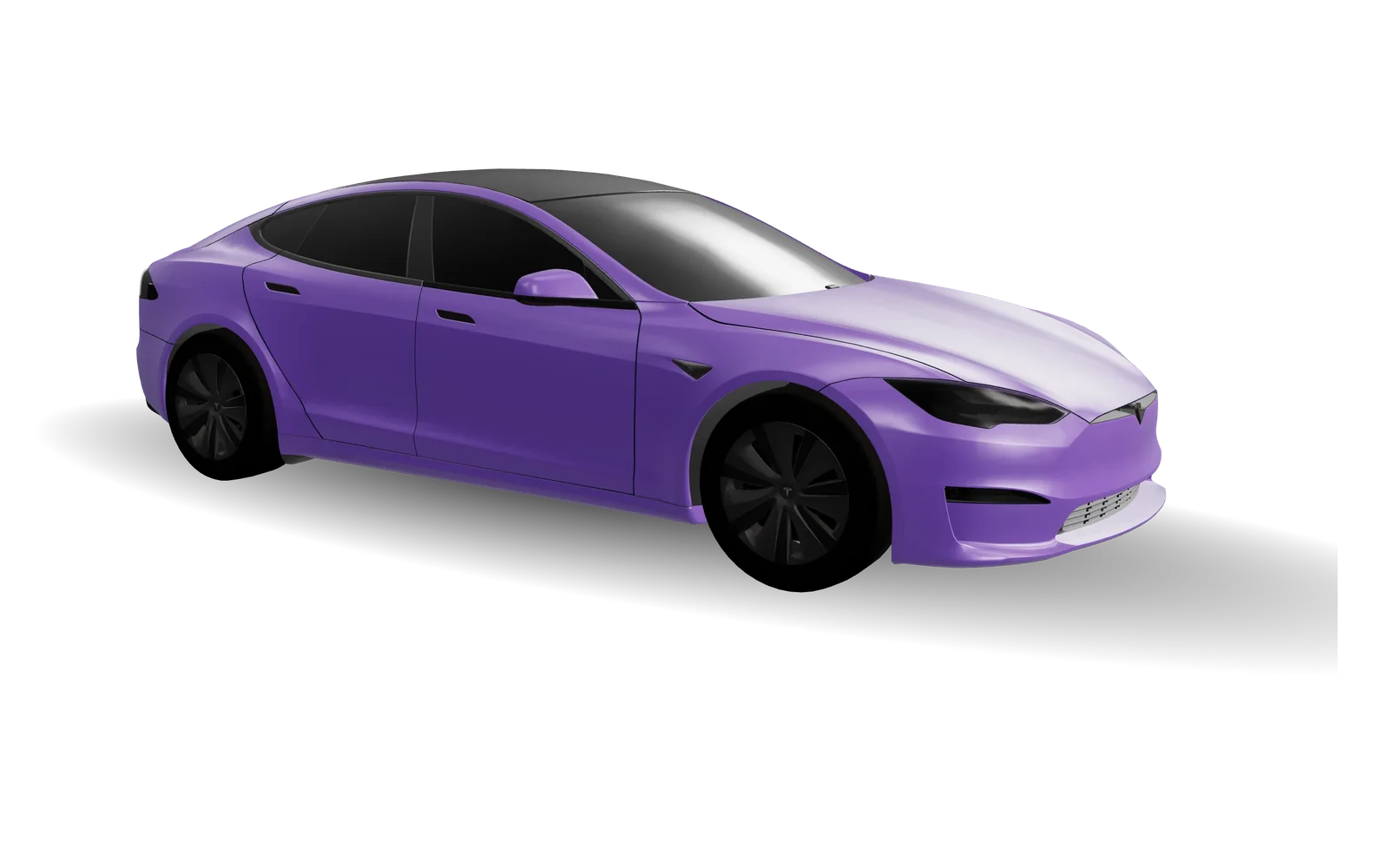
Model S
2021+
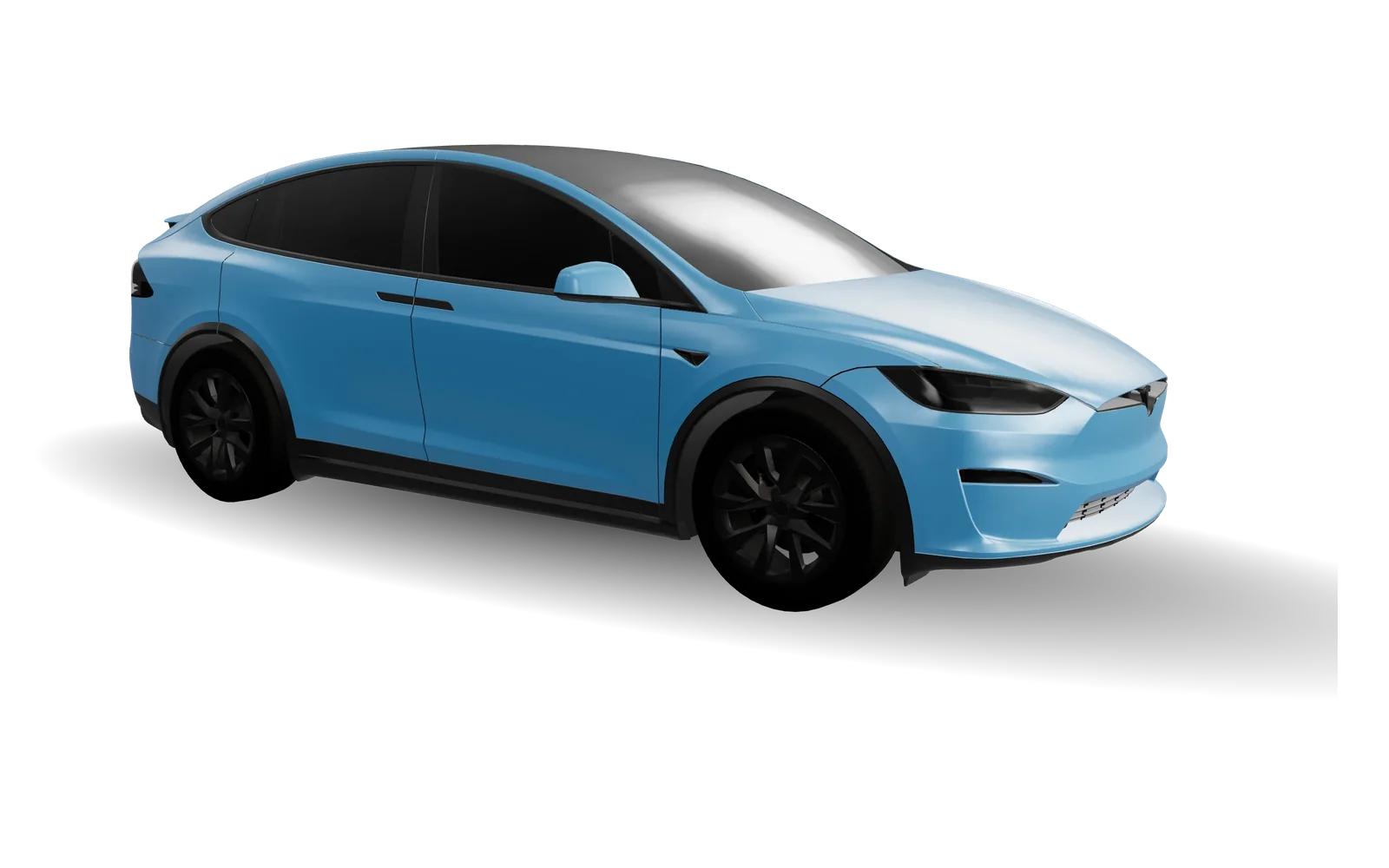
Model X
2021+
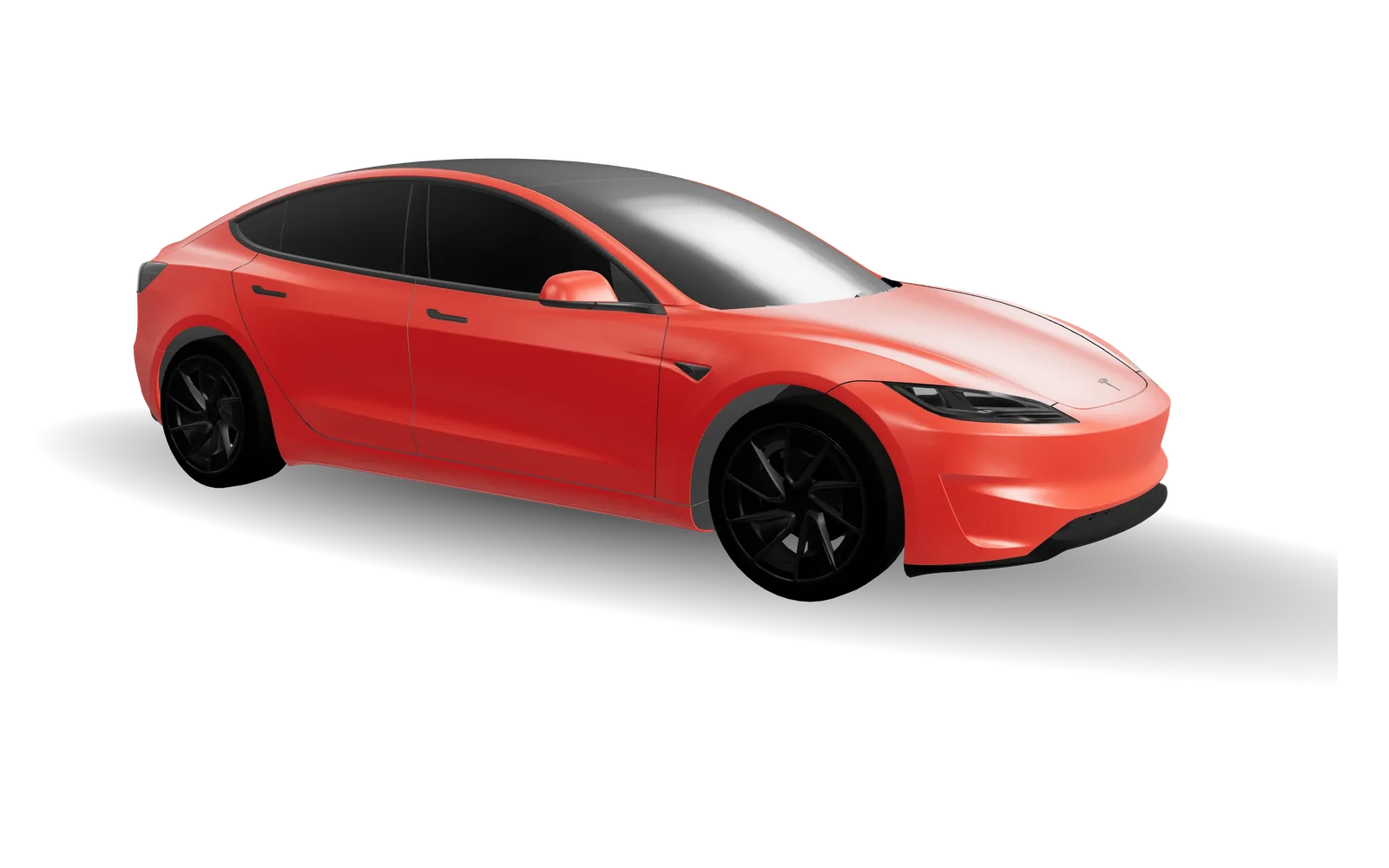
Model 3
2024+ · Performance

Model Y
2025+ · Standard
Model Y
2025+ · Performance

Model S
2025+ · Plaid
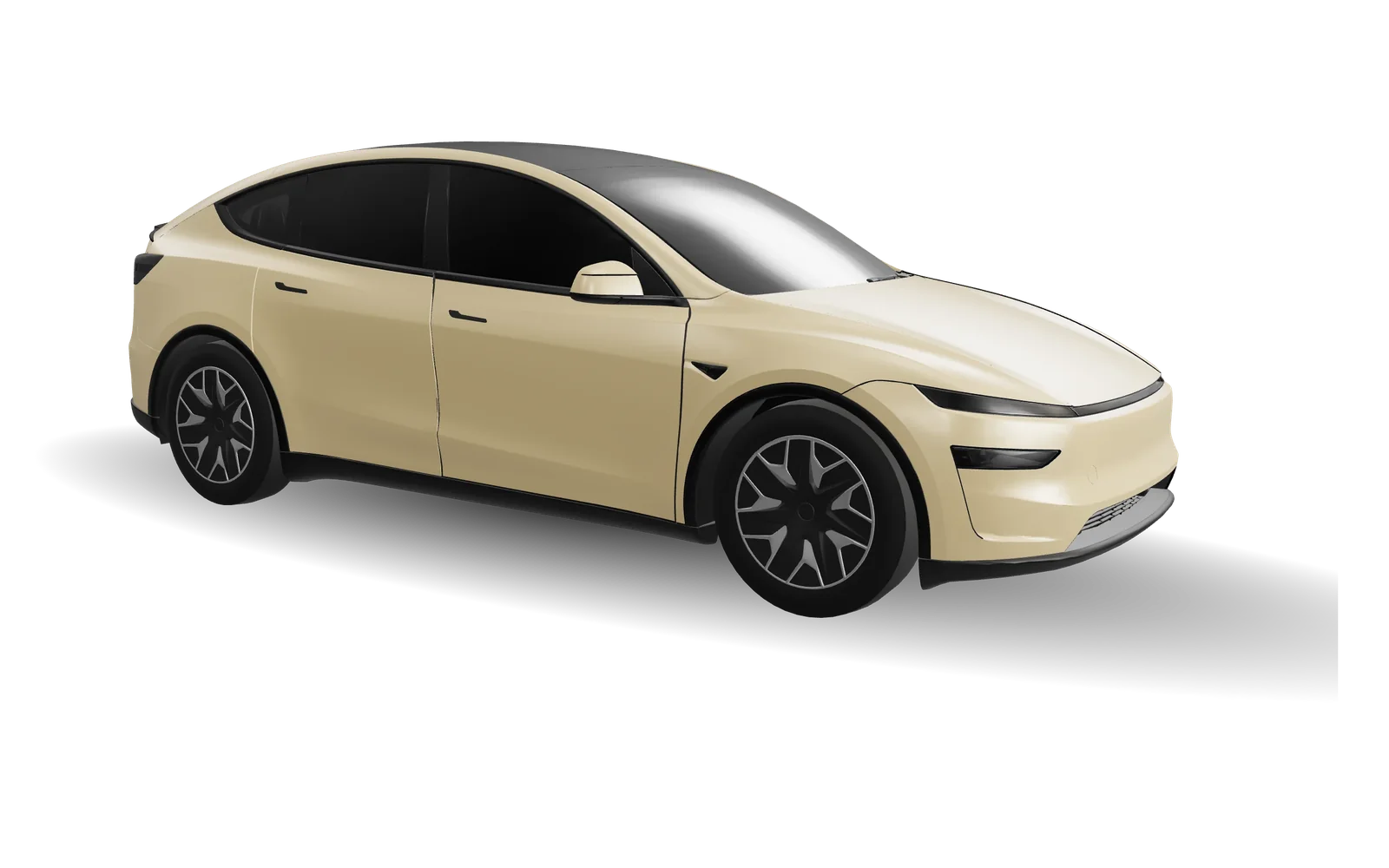
Model Y L
Long wheelbase
How to design a Tesla wrap
- 1
Choose your model
Pick your exact Tesla. The studio loads its official template and real 3D body.
- 2
Design on the template
Add colors, patterns, stickers, text or your own images, and watch the 3D car update.
- 3
Load it in your Tesla
Export the PNG, copy it to a USB drive, and open Toybox → Paint Shop in your car.
Your free Tesla wrap design toolkit
Upload artwork, add text and stickers, edit layers and inspect your design in 3D. Save an editable project locally or export a PNG, with no account required.
Tesla wrap design FAQs
Does this change my real paint?
No. Paint Shop wraps change how your car looks on the in-car screen and app visualization. Nothing physical is applied. Read the full guide
Which cars are supported?
Model 3, Model Y (including the 2025 refresh and Model Y L), Model S, Model X and Cybertruck — 12 variants, each with its own template. View official templates
How do I put the wrap on my car?
Export the PNG and either copy it into a folder named Wraps on a USB drive, or upload it in the Tesla app (4.59.0 or later) under Creations → Wrap. Then open Toybox → Paint Shop in the car. Read the full guide
What size does the wrap PNG need to be?
A real PNG, 512–1024 px per side, no larger than 1 MB, with a filename up to 30 characters. The editor exports the right size for your model automatically. Read the full guide
Is there a free Tesla wrap designer?
Yes, this one. The editor, 3D preview, 48 ready-made wraps and PNG export are free with no account.
Can I upload my own artwork?
Yes. Upload your own artwork as a layer, then position it alongside text, stickers and patterns. Save the editable project locally to continue later.
My custom wrap isn’t showing up. What should I check?
Check that the folder is named exactly Wraps at the top level of the USB drive and that the drive is not NTFS. The file must be a real PNG of 512–1024 px, no larger than 1 MB, with a short plain filename, and there can be no more than 10 wraps. The car also needs software that includes Paint Shop. Read the full guide
Which template fits a Model Y Juniper or Model 3 Highland?
The 2025+ Model Y (Juniper) has separate Standard, Premium and Performance templates. The 2024+ Model 3 (Highland) has one for Standard & Premium and one for Performance. Pick your car in the editor and the matching template loads automatically. Read the full guide
Your car already has a screen. Give it something new.
Start designing free