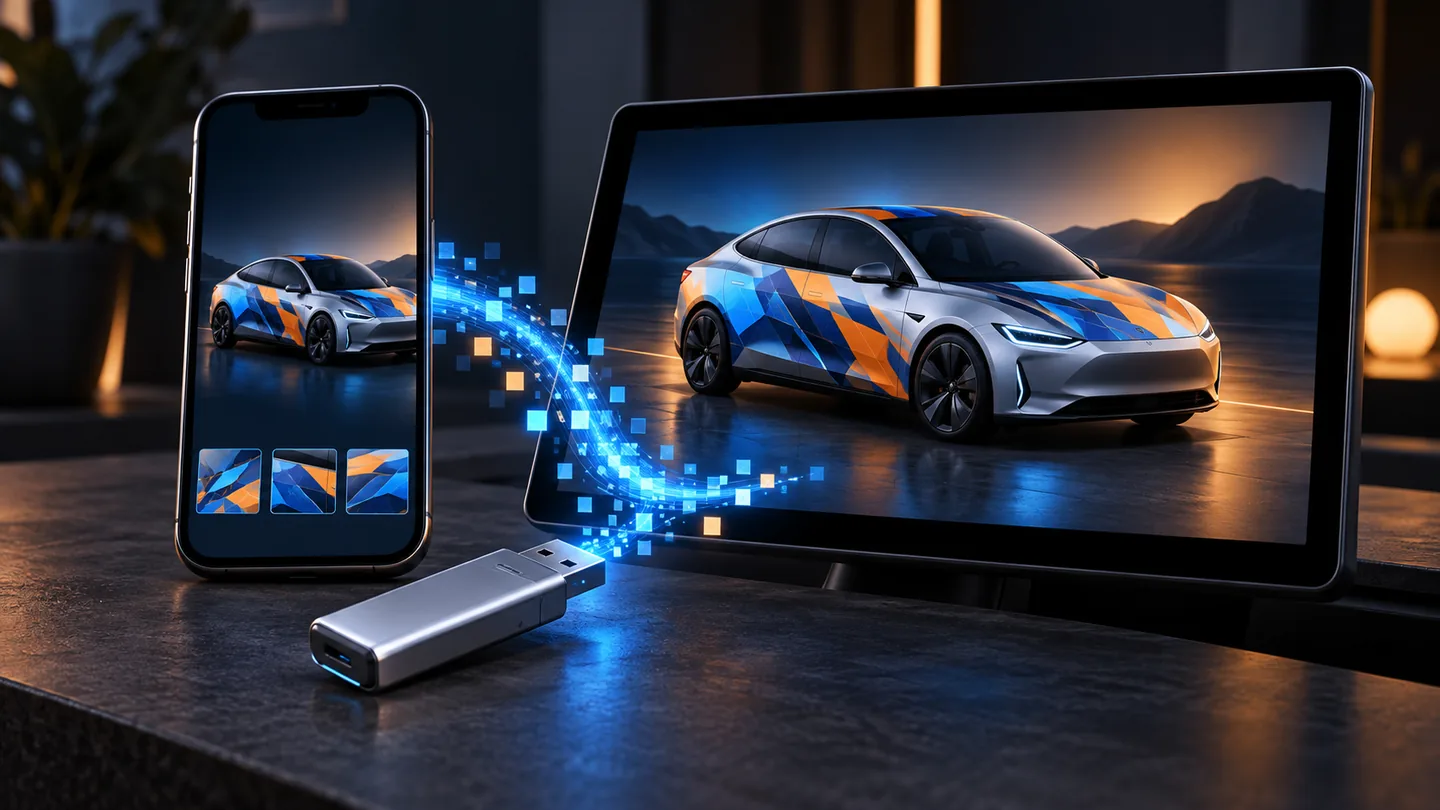
Steps
- Pick the template for your exact modelModel Y Juniper, Model 3 Highland, Performance trims and Cybertruck all use different layouts. Start from the matching official template.
- Design and export a PNGKeep the template’s size and transparency. Keep the file at or below 1 MB and give the file a short name using letters, numbers, spaces, dashes or underscores.
- Copy it to a USB driveCreate a folder called Wraps in the root of an exFAT, FAT32, ext3 or ext4 drive (not NTFS) and put the PNG inside.
- Or upload it from your phoneIn the Tesla app, open Creations → Wrap → Upload and choose the PNG. The wrap is sent to the car over the air.
- Apply it in the carOpen Toybox → Paint Shop → Wraps and select your design. It shows on the car’s screen and in the app visualization.
USB drive: what the car looks for
The car only reads a folder named exactly Wraps at the top level of the drive. Drives formatted as NTFS are not read. Up to 10 wrap files are listed from USB.
Tesla app: requirements
Uploading from the app needs Tesla app 4.59.0 or later and recent vehicle software (Tesla rolled it out with the 2026 summer update). The same PNG rules apply, and the app holds up to 10 wraps in addition to the 10 on USB.
Which cars support Paint Shop wraps
Model 3, Model Y (including the 2025+ Juniper refresh and Model Y L), Model S and Model X 2021+, and Cybertruck, on current software. If you do not see Paint Shop in Toybox, update the car first.
What it changes
Only the digital visualization on your screen and in the Tesla app. Your real paint is not affected, and other drivers see your car as normal.
FAQ
Does a Paint Shop wrap change my real paint?
No. It only changes how your car looks on the touchscreen and in the Tesla app.
How many custom wraps can I keep?
Up to 10 from a USB drive and up to 10 uploaded through the Tesla app.
Why is my wrap not in the list?
Usually the folder is not named Wraps, the file is over 1 MB or not a real PNG, or the drive is NTFS. See our troubleshooting guide.
Do I need to pay for Paint Shop?
No. Paint Shop is a free Tesla feature, and this site’s editor and PNG export are free too.
Official templates and current requirements: Tesla custom-wraps