Prompt → wrap
Model Y L Long wheelbase AI Wrap Generator
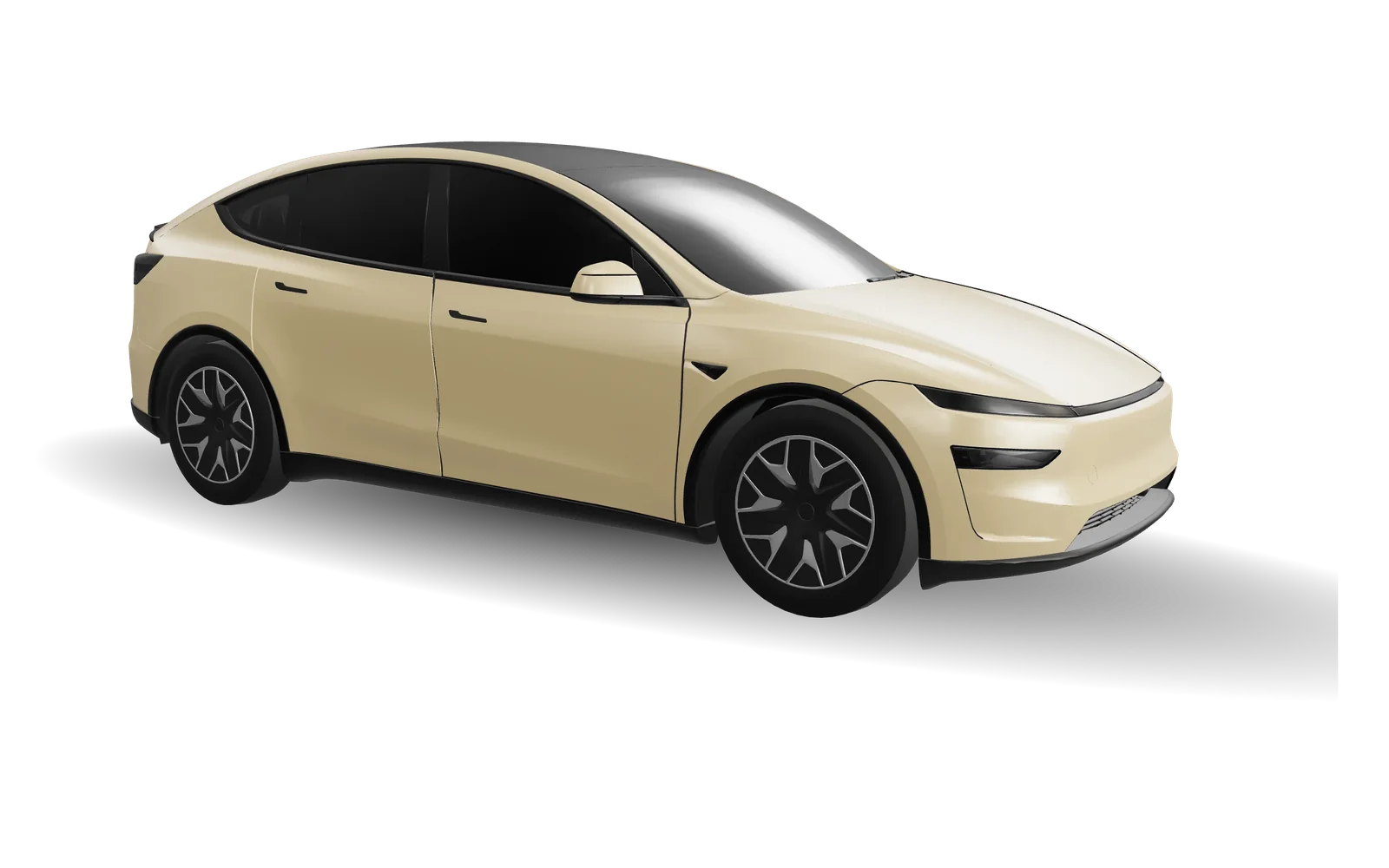
Describe a wrap and AI paints it on the official Model Y L Long wheelbase Paint Shop template. Preview it in 3D, refine it in the editor and export a car-ready PNG. 10 credits per run; failed runs return credits.
10 credits per text generation · failed runs return your credits · packs from $4.90
How the AI wrap generator works
- 1
Pick your model
Every Tesla has its own panel layout, so the generator uses the official template for the model you choose.
- 2
Write a sentence or tap an idea
Colors, patterns and placement work best, e.g. “matte black body with gold pinstripes from nose to tail”.
- 3
Generate and check it in 3D
The result lands in the editor as an editable layer, the 3D car updates live, and you can keep adding text and stickers.
- 4
Export and load it in your car
The exported PNG meets Paint Shop rules. Copy it to a Wraps folder on USB or upload it in the Tesla app.
Ready-to-use AI wrap prompts
Tap one to open the editor with the prompt filled in. You can still edit it before generating.
Popular
Racing
Nature
Seasonal
Art
Minimal
Pricing
Designing by hand is always free. Only AI generation uses credits.
- Text generation: 10 credits per run
- Photo generation: 20 credits per run
- Packs from $4.90, one-time, never expire
FAQ
Can AI generate a Tesla wrap?
Yes. Describe the colors and patterns you want and AI paints them on the official Model Y L Long wheelbase UV template. You can keep editing the result before exporting a PNG.
How many credits does a generation cost?
A text generation costs 10 credits and a photo generation 20. Failed runs return your credits automatically, and retrying the same request never charges twice. Packs start at $4.90 and never expire.
Can I use the result in my car right away?
Yes. The export is a PNG of 512–1024 px, under 1 MB, with a filename the car accepts. Copy it to a Wraps folder at the root of a USB drive or upload it in the Tesla app under Creations → Wrap, then pick it in Toybox → Paint Shop.
Can I use brand logos or cartoon characters?
No. To avoid infringing other people’s rights, brand, team and character names are blocked. Describe a style instead, such as “retro racing stripes” or “Japanese watercolor cherry blossoms”.
Will my generations be public?
Not by default. Results stay in your account and only appear in the gallery if you choose “Share to gallery” and it passes moderation.
Does this change my real paint?
No. Paint Shop wraps only change the 3D car shown on the touchscreen and in the Tesla app.